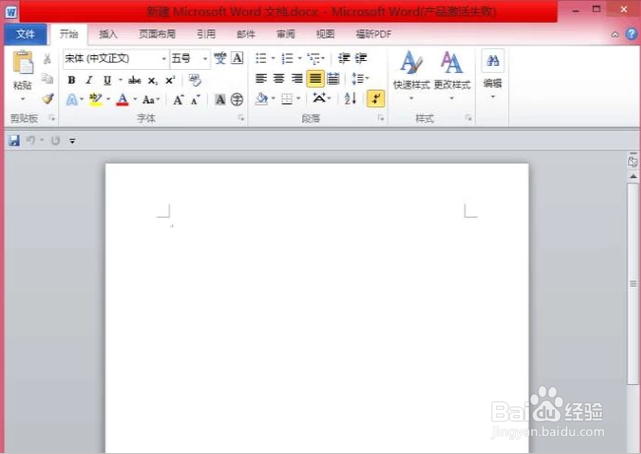
1、首先打开Word文档。
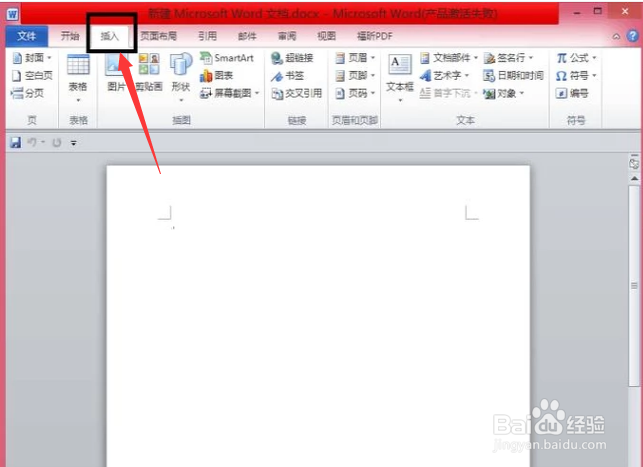
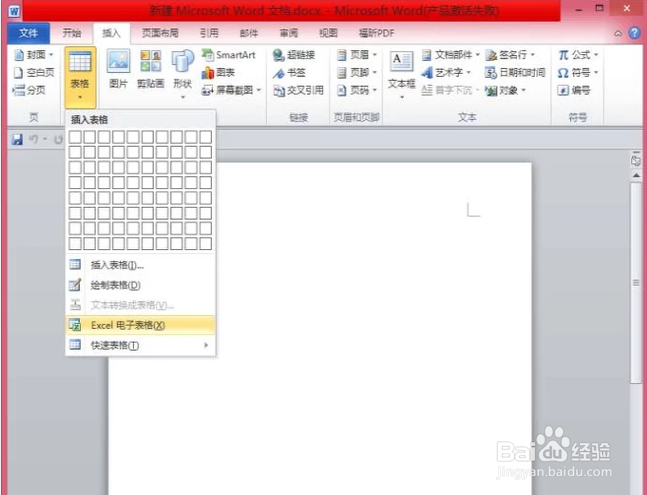
2、点击,打开“插入”选项卡。
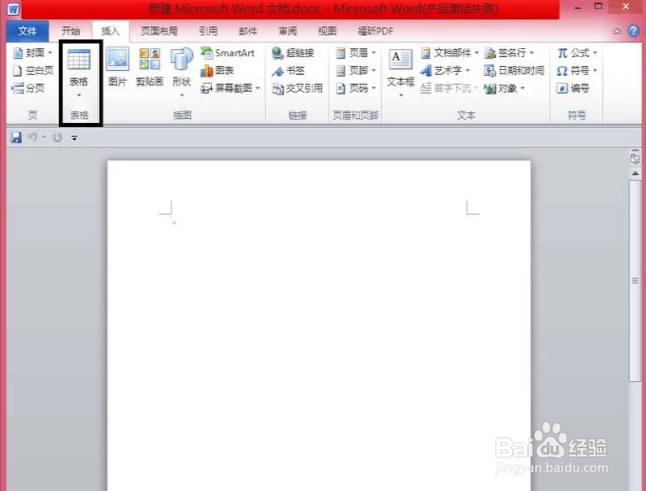
3、在“插入”选项卡中,找到”表格“。
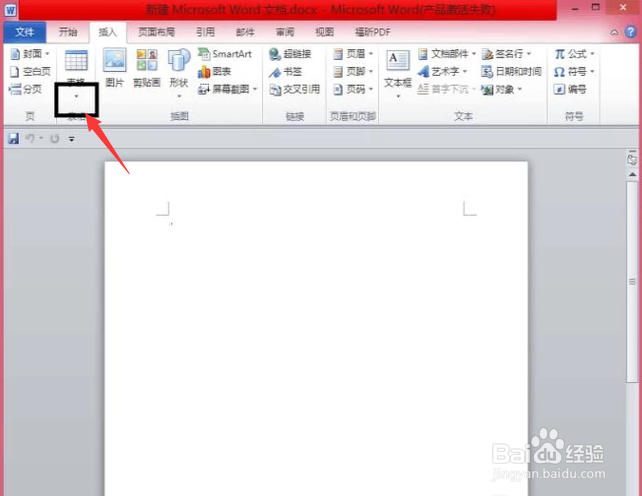
4、点击“表格”下方的三角符号,如图所示。
5、在下拉列表中,选择“Excel电子表格”。
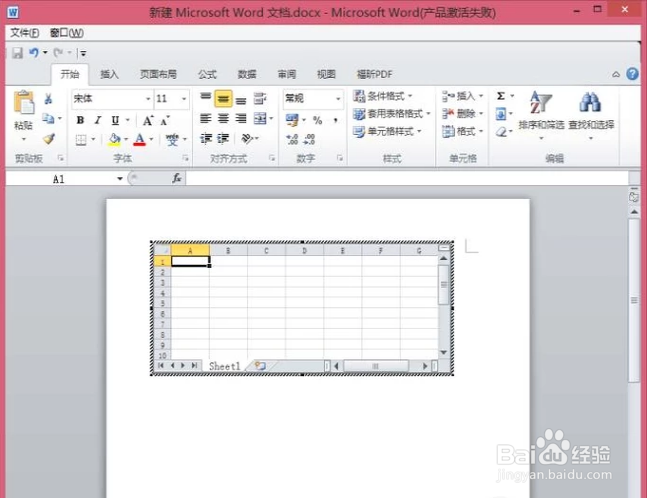
6、这时,我们的Word中,就已经插入了Excel表格了。
1、首先打开Word文档。
2、点击,打开“插入”选项卡。
3、在“插入”选项卡中,找到”表格“。
4、点击“表格”下方的三角符号,如图所示。
5、在下拉列表中,选择“Excel电子表格”。
6、这时,我们的Word中,就已经插入了Excel表格了。