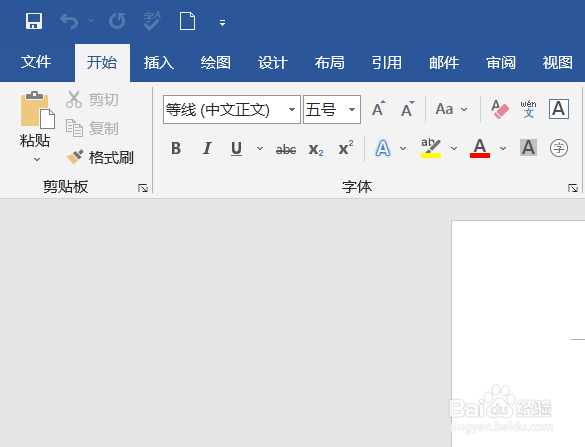
1、打开word,在上方菜单中点击文件。
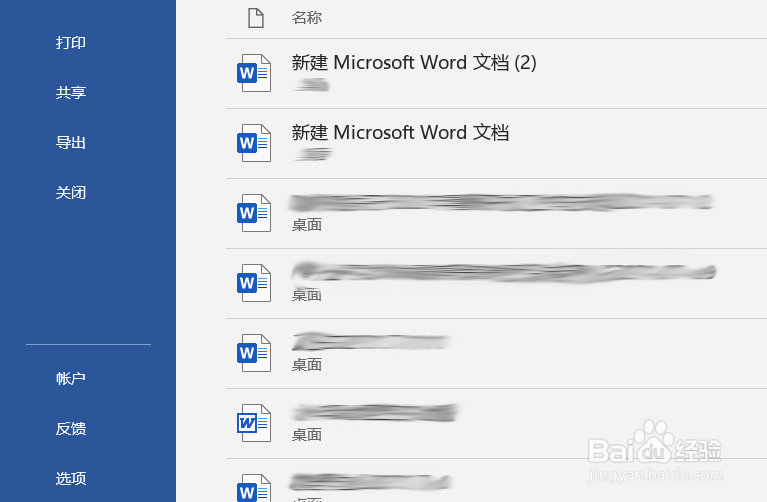
2、在文件菜单下点击选项。
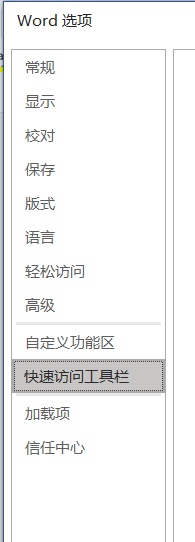
3、在word选项对话框中左侧点击快速访问工具栏。
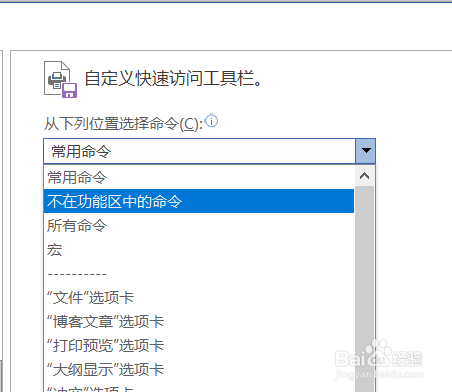
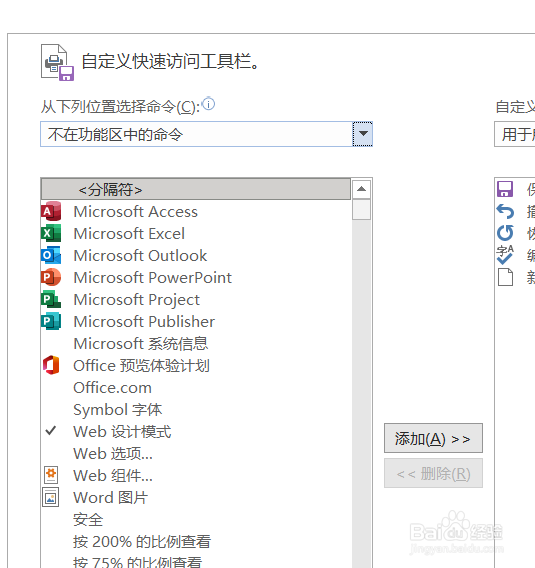
4、在右侧自定义访问工具栏中选择不在功能区的命令
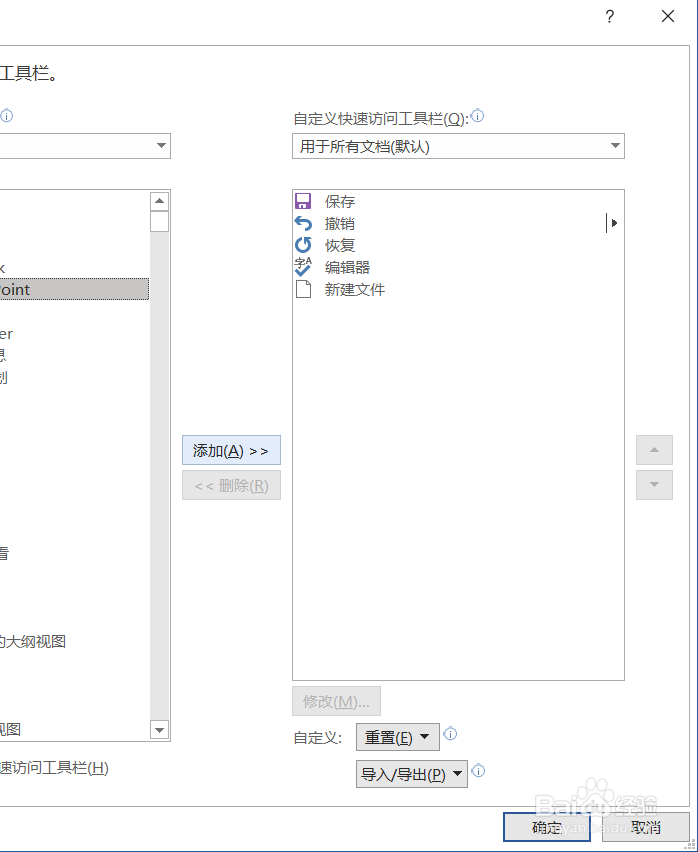
5、在命令中选择powerpoint,点击插入。
6、点击右下方确定。
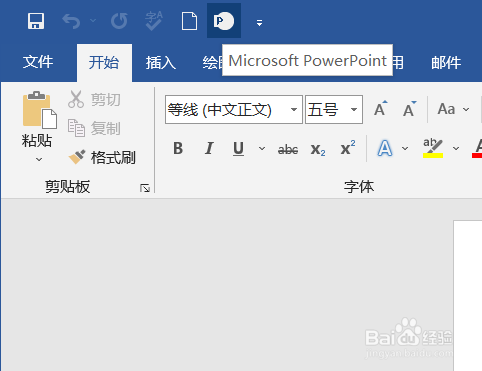
7、在word菜单左上角就出现了powerpoint图标。
1、打开word,在上方菜单中点击文件。
2、在文件菜单下点击选项。
3、在word选项对话框中左侧点击快速访问工具栏。
4、在右侧自定义访问工具栏中选择不在功能区的命令
5、在命令中选择powerpoint,点击插入。
6、点击右下方确定。
7、在word菜单左上角就出现了powerpoint图标。